
01
The two watches
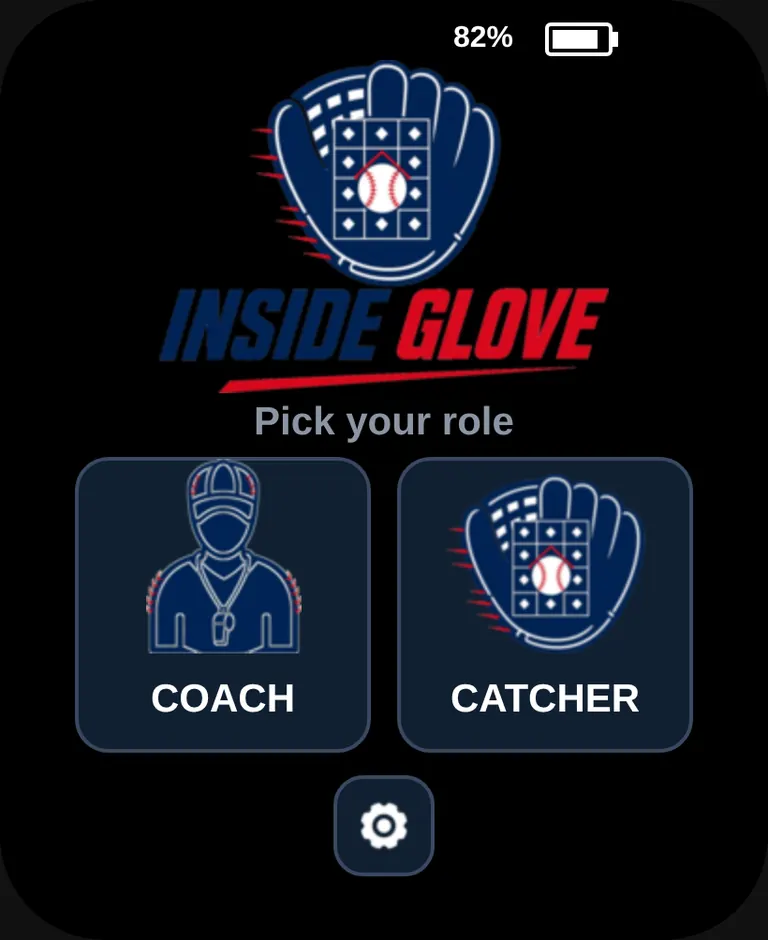
A pair is two of the same watch. The first screen asks for a role. Coach sends. Catcher receives. Battery percent sits at the top right of every screen.
Coach
Sends the call.
- Room code for the catcher
- Pitch pad, zone pad, and count
- SAME repeats the last call
Catcher
Shows the call.
- Enters the coach's room code
- READY between pitches
- Code, location, and a lit square
02
Choose a role
This is the first step, and you do it on each watch. The watch opens on Pick your role.
- 1
Coach on one watch
Tap COACH. That watch hosts the room and shows a four-character code.
- 2
Catcher on the other watch
Tap CATCHER. That watch asks for the coach's code.
- 3
Gear is for names
The gear under the two roles opens pitch setup. Use it on the coach watch before the game if the codes need to change. Role selection comes first.
03
Link the room
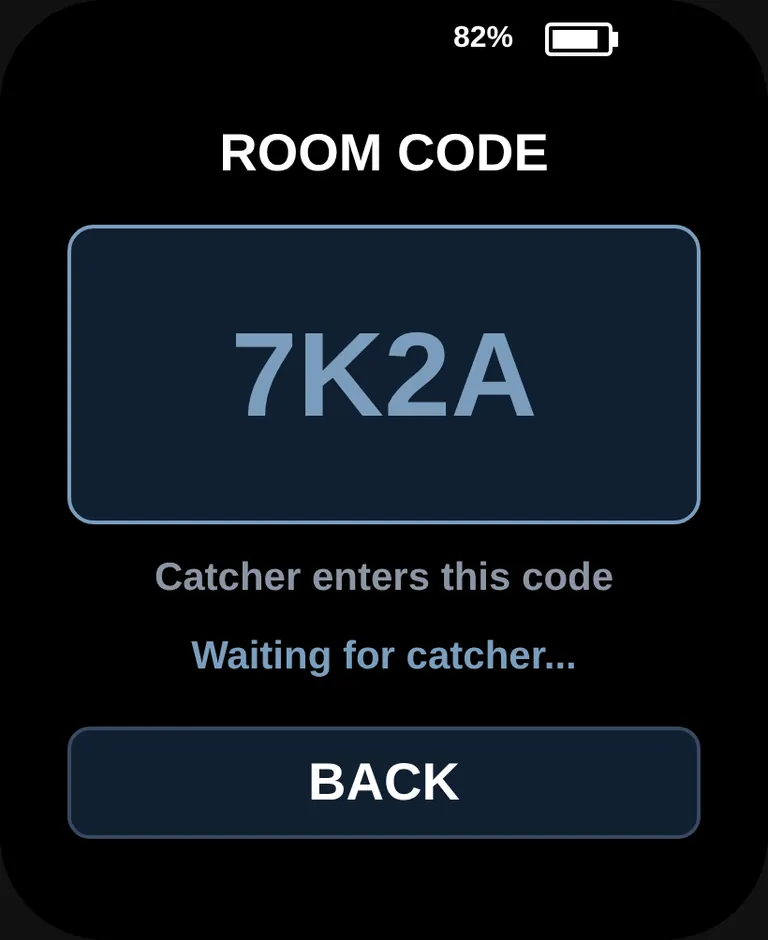
The coach watch makes the code. The catcher watch types it. The two watches then share that room.
- 1
Read the code
The coach watch shows ROOM CODE, for example 7K2A, and Waiting for catcher...
- 2
Leave it up
The catcher needs that code. BACK returns to the role screen.
- 1
Enter the code
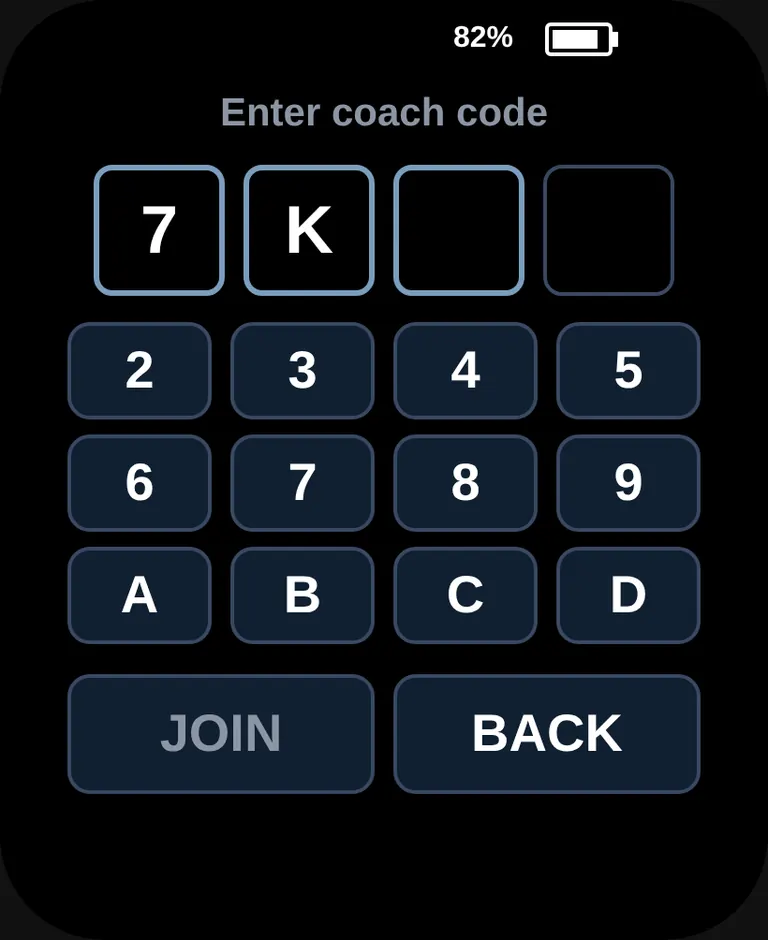
Tap the four characters from the coach watch. JOIN stays quiet until all four are in.
- 2
Join
Tap JOIN. The catcher watch then reads READY, with the room code at the top left. The coach watch reads 1 linked.
04
Pitch and zone setup
The gear on the home screen opens setup. On the phone page you choose the zone, name the four simple locations, and name the eight pitches. Those choices stay on the coach watch. The catcher watch needs no setup: each call carries its own code and location.
Settings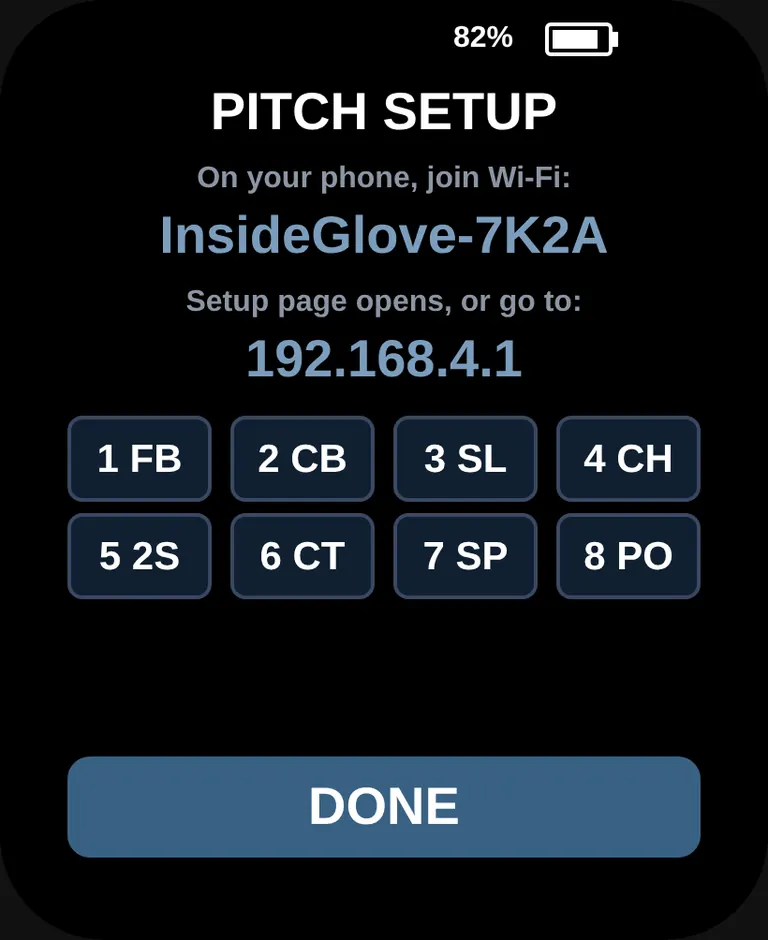
- 1
Open setup
On the home screen, tap the settings gear under Coach and Catcher. The watch shows PITCH SETUP and starts a Wi-Fi hotspot.
- 2
Join from a phone
On the phone, join the Wi-Fi named on the watch, such as InsideGlove-7K2A. The setup page opens. If it does not, go to 192.168.4.1.
- 3
Choose the zone and the names
Pick Strike zone for nine locations, or Simple for four. Edit the four location names, then the pitch codes and names. Tap Save to watch. The watch shows SAVED. Tap DONE on the watch to turn the hotspot off. Reset to defaults restores the names that ship with the watch.
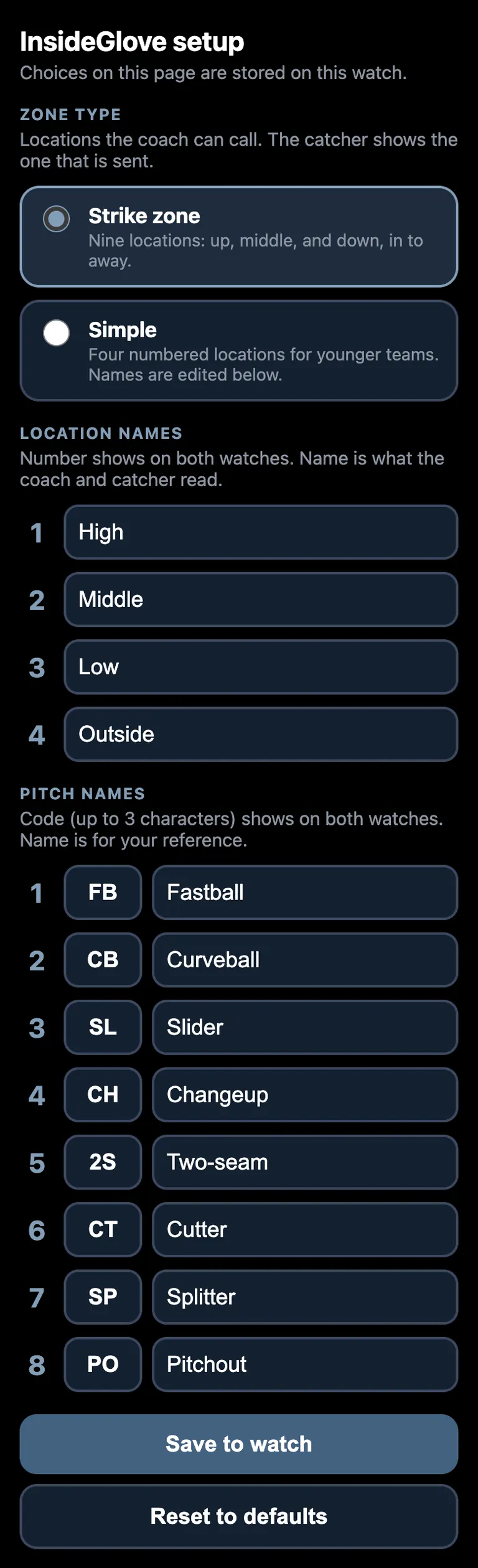
| Key | Code | Name |
|---|---|---|
| 1 | FB | Fastball |
| 2 | CB | Curveball |
| 3 | SL | Slider |
| 4 | CH | Changeup |
| 5 | 2S | Two-seam |
| 6 | CT | Cutter |
| 7 | SP | Splitter |
| 8 | PO | Pitchout |
05
Send a pitch
One send is a pitch, then a zone. The call leaves the coach watch the moment the zone is tapped.
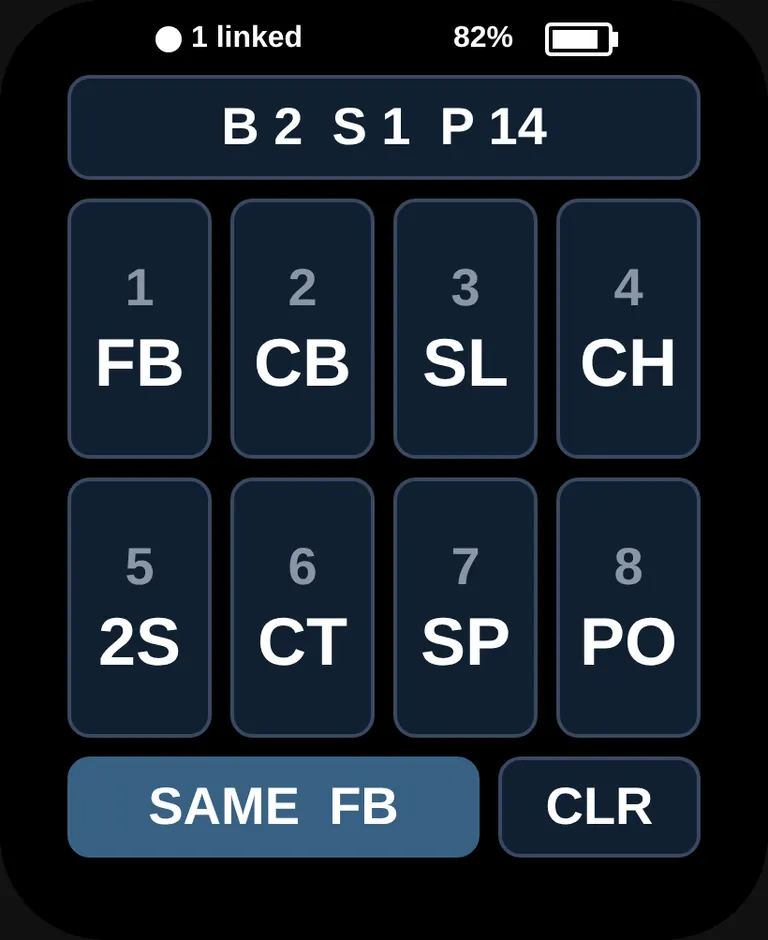
Tap a code, such as 1 FB. SAME FB resends the last pitch and the last zone. CLR clears the call off the catcher watch.
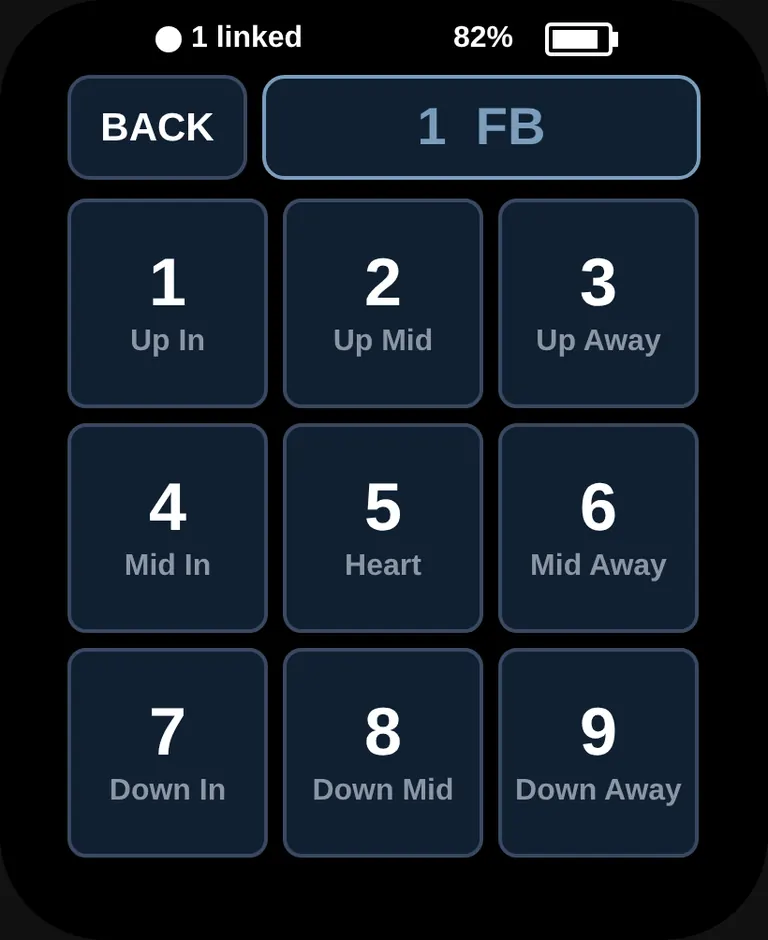
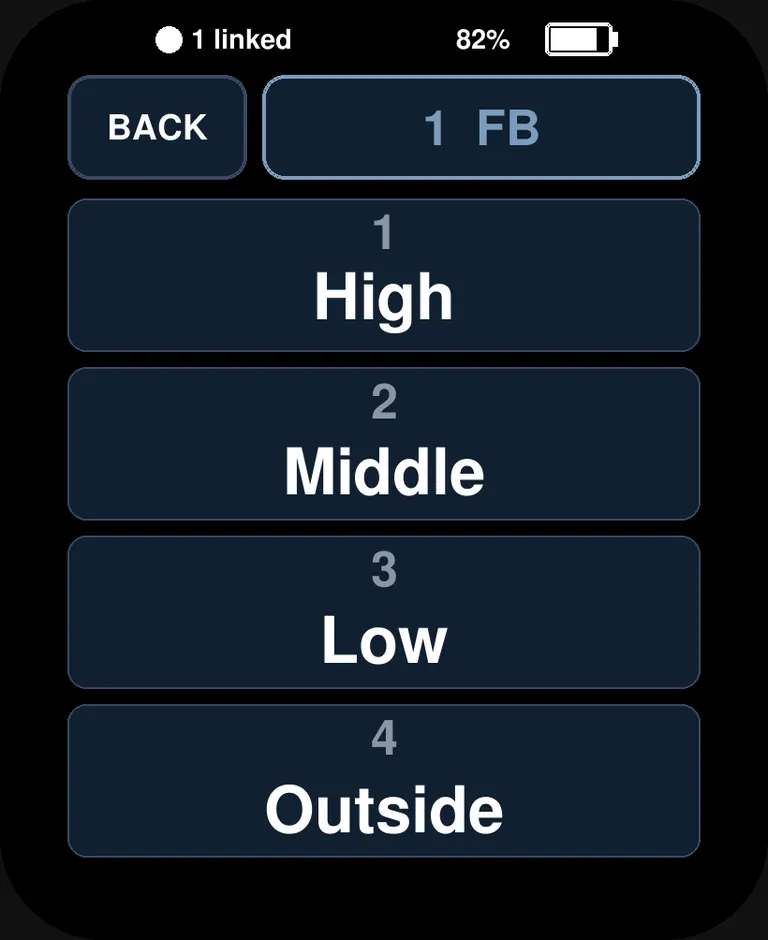
BACK returns to the pitch pad without sending. Tap a zone and the call is sent. The coach watch returns to the pitch pad, and the pitch count goes up by one. With the simple zone selected, this pad is four rows: High, Middle, Low, and Outside.
1
Up In
2
Up Mid
3
Up Away
4
Mid In
5
Heart
6
Mid Away
7
Down In
8
Down Mid
9
Down Away
The words on the zone pad are the words on the catcher watch. Up is the top row. In is the left column.
06
Read the call
- 1
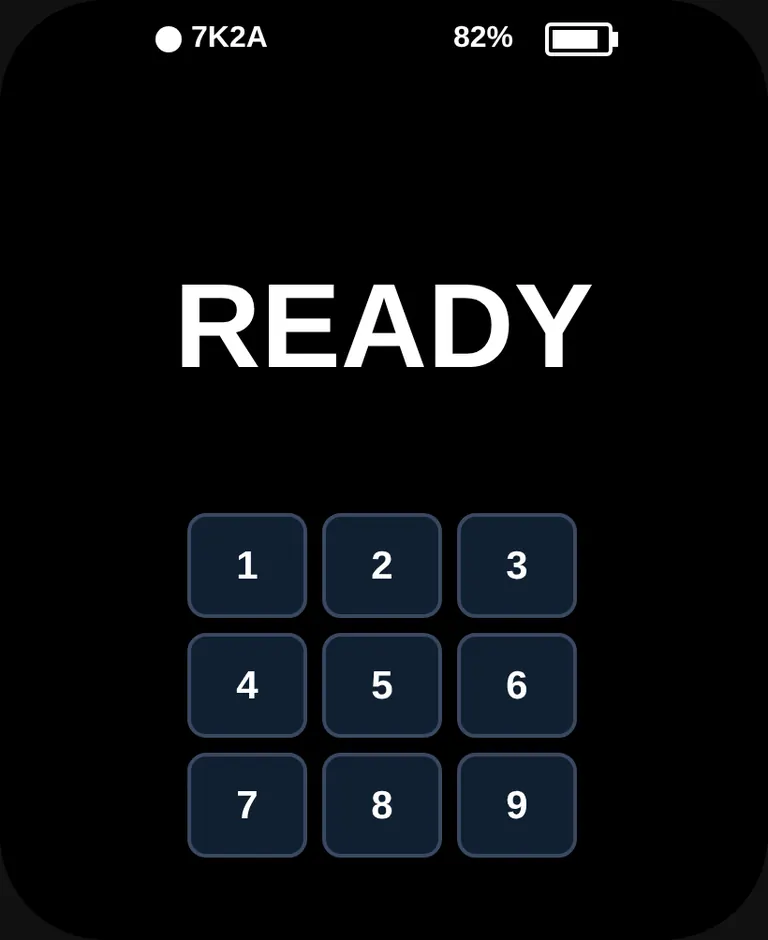
READY
The room code stays at the top left. The nine squares are numbered and unlit.
- 2
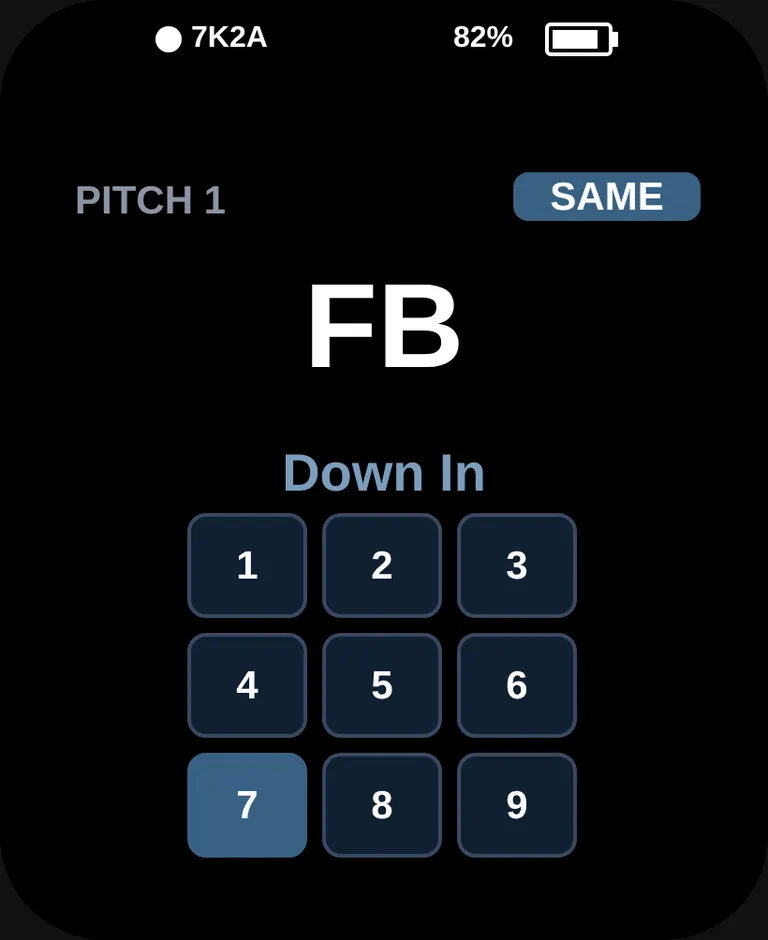
The call
PITCH and the number, then the code in large type, then the location in words, then the lit square. A SAME badge means the coach repeated the last call. The watch plays a short chime with every call.
07
Set the count
Tap the count bar on the pitch pad. B is balls, S is strikes, P is pitches this outing. Balls stop at 3. Strikes stop at 2. Every send adds one to P.
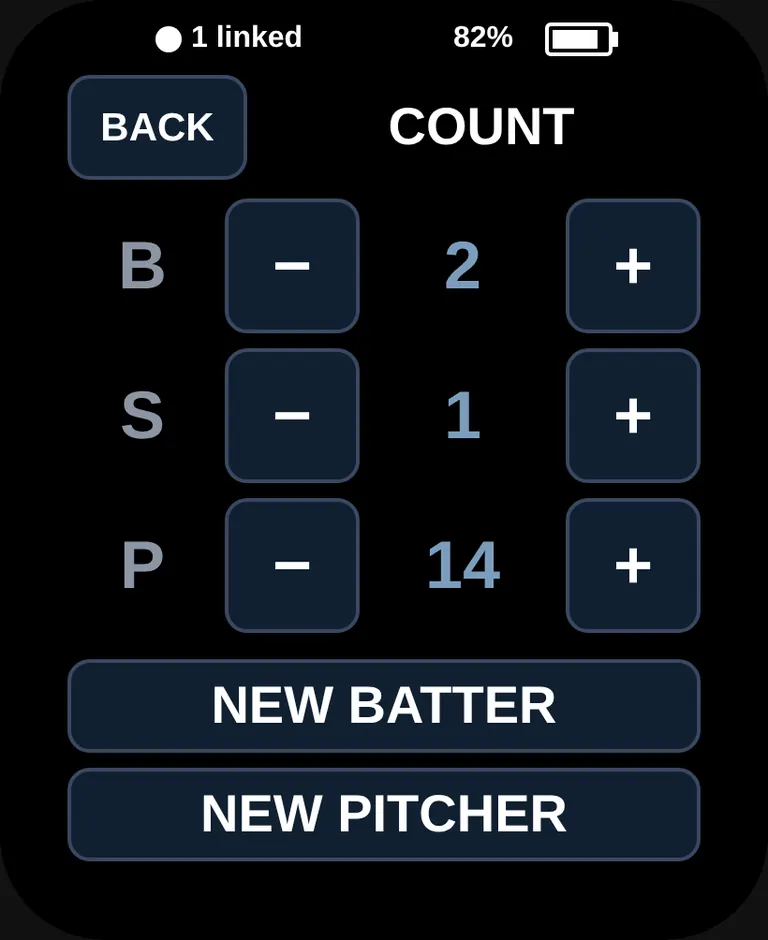
- + and − change that row. BACK keeps the numbers and returns to the pitch pad.
- NEW BATTER sets balls and strikes to zero. The pitch count stays.
- NEW PITCHER sets balls, strikes, and the pitch count to zero.
08
Power and end
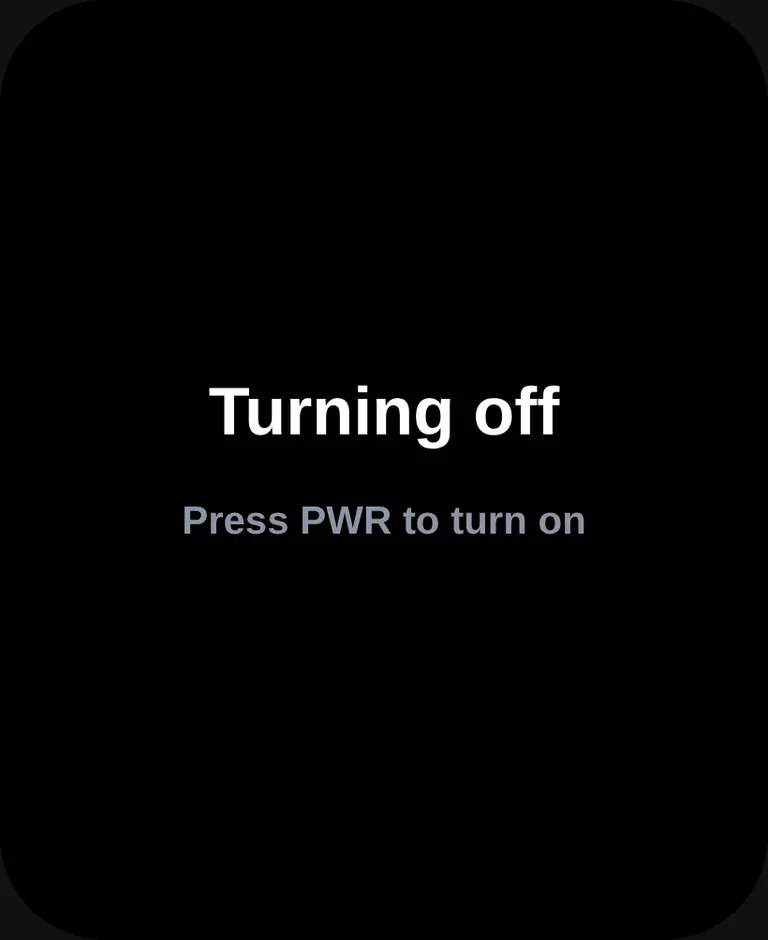
- PWR, a short press, turns the screen off or back on. The link stays up while the screen is dark. A new call wakes the catcher watch. Raising the wrist to look at the face wakes it too.
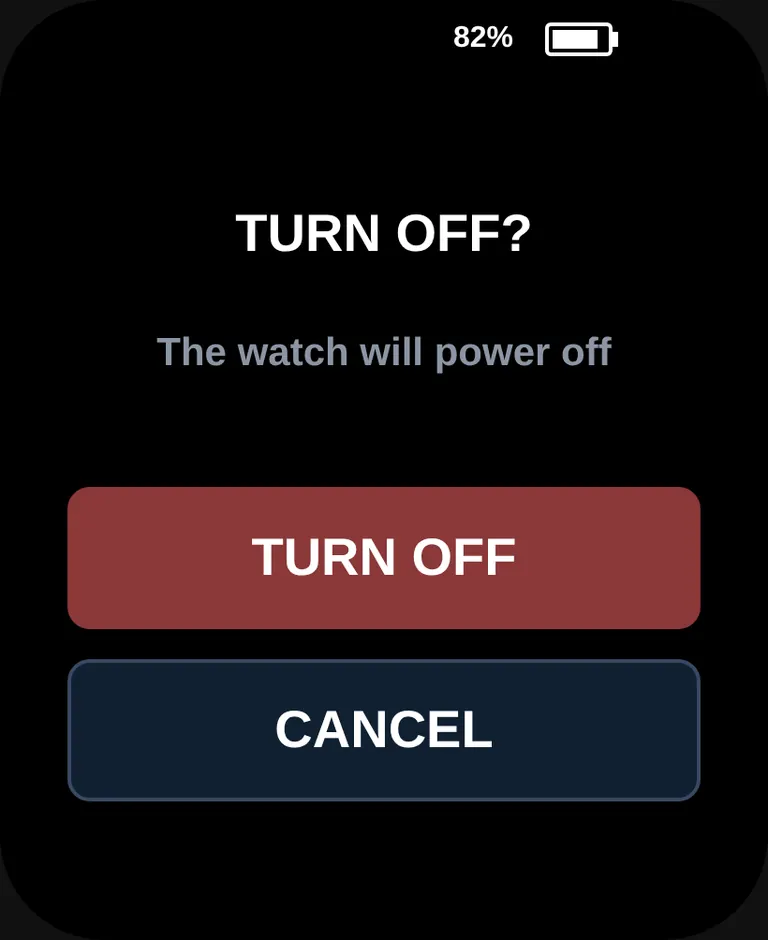
- Hold PWR until the watch asks TURN OFF?. TURN OFF powers it down. CANCEL goes back. Press PWR to turn it on again.
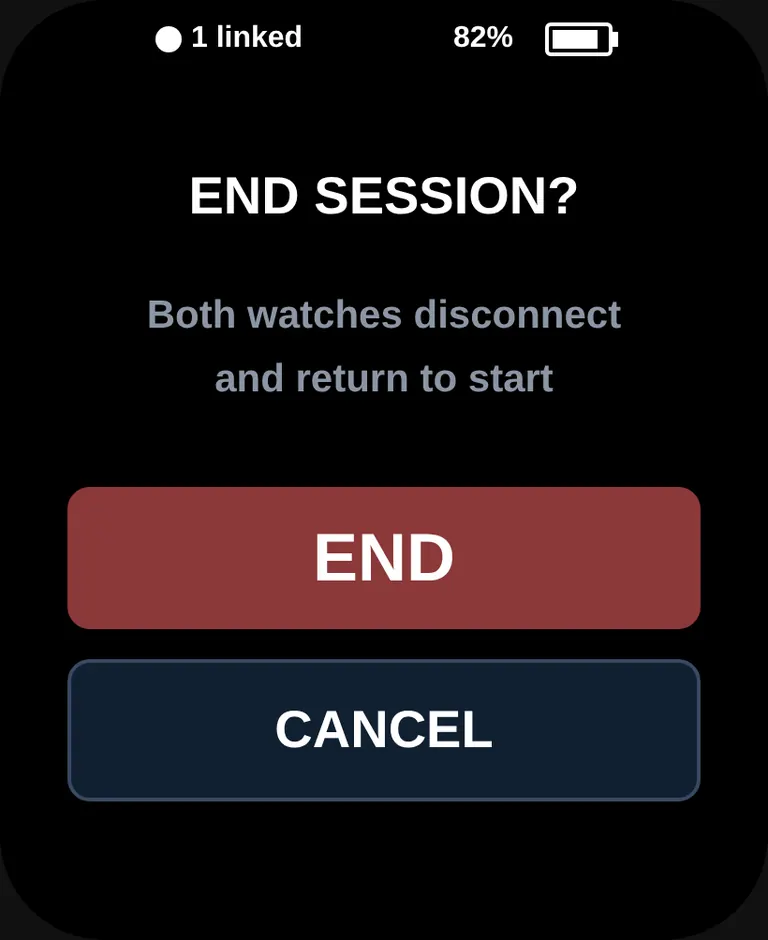
- Hold the BOOT button for about three seconds during a session. The watch asks END SESSION?. END disconnects both watches, returns them to the role screen, and clears the count.
A pitch call plays on these same pads in How it works.